
Brief Overview
Remote security camera viewing offers business owners and homeowners a significant leap in monitoring capabilities by enabling real-time access to surveillance footage via smartphone. This technology empowers users to oversee their premises from anywhere, ensuring immediate responses to incidents and enhanced safety through continuous vigilance. Practical setup instructions—such as app installation and secure connection methods—facilitate user-friendly experiences. Additionally, integrating CCTV cameras with modern internet solutions broadens monitoring capabilities, while advanced security protocols safeguard remote access, ensuring robust protection of assets and personnel. Embracing these solutions enhances operational transparency, offering peace of mind and strategic security insights. Our team at Security Camera Installation Irvine ensures every system is set up for seamless remote viewing and mobile access, keeping your property secure anytime, anywhere.
Key Highlights
- Remote viewing via smartphones provides 24/7 live streaming, ensuring real-time security management.
- Installing a compatible camera app is crucial for configuring security settings on smartphones.
- Choosing the right CCTV camera enhances business security, offering tailored monitoring options.
- Security camera remote access requires setting static IPs and secure network connections.
- Remote viewing empowers business owners with immediate alerts and proactive safety measures.

Understanding the Benefits of Remote Viewing for Security Cameras
Remote viewing offers a dynamic solution for managing security systems. It provides unprecedented access to live footage from security cameras anywhere, at any time. Business owners stand to gain immense value from these capabilities, with immediate insights into their premises. Moreover, enhanced safety through vigilant, constant monitoring is just a tap away. Delve into why remote access is especially critical for business operations and how it transforms security into a proactive service, keeping both assets and personnel secure at all hours.
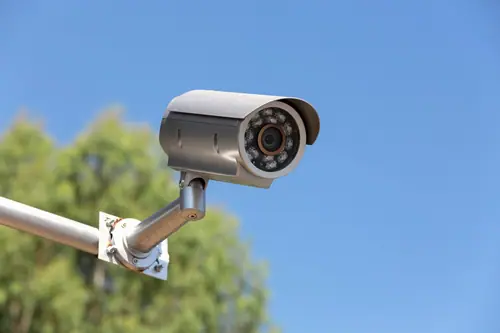
For business owners, remote viewing of security cameras is no longer a luxury but a necessity. It empowers them to monitor their establishments in real-time, eliminating geographical constraints. With the constant presence of the internet, remote viewing enables seamless oversight of multiple locations through a single interface, enhancing operational efficiency. A live feed from security cameras allows for prompt responses to incidents, potentially averting costly disruptions.
Consider the scenario where an unexpected event, such as a power outage or suspicious activity, occurs outside of business hours. With remote camera access, business owners can engage with live feeds instantly to assess and manage the situation, drastically reducing response time. This proactive measure can prevent petty thefts, manage resource allocation better, and bolster overall security protocols. Additionally, having remote access means that managers can support their teams remotely, providing guidance in times of need without being physically present.
The integration of remote viewing also creates the opportunity for business owners to set parameters for alerts and notifications tailored to their specific needs. For instance, an alert can be triggered by motion detection outside business hours, prompting immediate attention. This minimizes false alarms and ensures true threats are prioritized. Moreover, using such technology is a boon for businesses operating in high-risk industries, like retail or finance, as it adds an additional layer of vigilance that is crucial for maintaining trust with clients.
Remote viewing extends benefits beyond safety and security. By allowing for remote monitoring of daily operations, it provides owners with insights into employee productivity, customer engagement, and compliance with departmental procedures, further fine-tuning business processes. Conclusively, the advantages of integrating remote viewing capabilities into a business’s security ecosystem are multifold, making it an indispensable tool for modern-day surveillance.
To further enhance understanding of remote access benefits for business operations, here are key advantages to consider:
- Real-time monitoring boosts operational efficiency across multiple business locations simultaneously.
- Instant alerts improve response times during unexpected events or security breaches.
- Customized notifications minimize false alarms, prioritizing genuine threats.
- Enhances team support remotely, providing guidance without the need for physical presence.
- Offers detailed insights into employee productivity and customer engagement.
- Facilitates compliance checks with established procedures conveniently.
- Provides a vital surveillance tool in high-risk sectors like retail and finance.
These points encapsulate the multifaceted benefits of remote access, reinforcing its critical role in business operations.
Security camera remote viewing significantly enhances safety by delivering comprehensive, real-time monitoring to users, whether on-site or off. With the deployment of internet-based CCTV cameras, businesses and homeowners alike can maintain constant vigilance over their properties. This 24/7 access ensures that any suspicious activity is noticed and addressed promptly, which is particularly beneficial in high-security environments.
Live viewing of security cameras isn’t just about preventing theft or vandalism; it’s also about providing a sense of security and peace of mind. Knowing that you can watch over your property in real time any time, from anywhere, means that the window for undetected breaches is effectively minimized. This capability is especially valuable in environments where safety is paramount, such as schools, hospitals, and airports where incidents need immediate attention.
Moreover, the integration of advanced technology such as motion detection and real-time alerts provides users with immediate notifications of potential threats. This allows for swift intervention, thwarting the plans of potential intruders before they can escalate. For home users, it means being able to monitor who comes and goes, keeping an eye on deliveries, or ensuring that children have arrived home safely. For businesses, it typically involves monitoring unauthorized access to restricted areas or ensuring that safety protocols are adhered to.
Remote viewing also plays a critical role in aiding law enforcement activities. Recorded footage can serve as vital evidence in investigating criminal activities. In scenarios where a crime occurs, having remote access ensures footage can be shared with authorities without delay, increasing the chances of suspect apprehension. This level of responsiveness fortifies the security strategy of any establishment, ensuring the continuous safeguarding of assets and individuals.
Ultimately, implementing remote viewing capabilities into security setups equips users with a powerful tool for maintaining safety and operational transparency. It transforms the approach to security from a reactive to a proactive model, giving users the control to manage and mitigate risks effectively.
Setting Up Your Security Camera for Remote Viewing via Smartphone
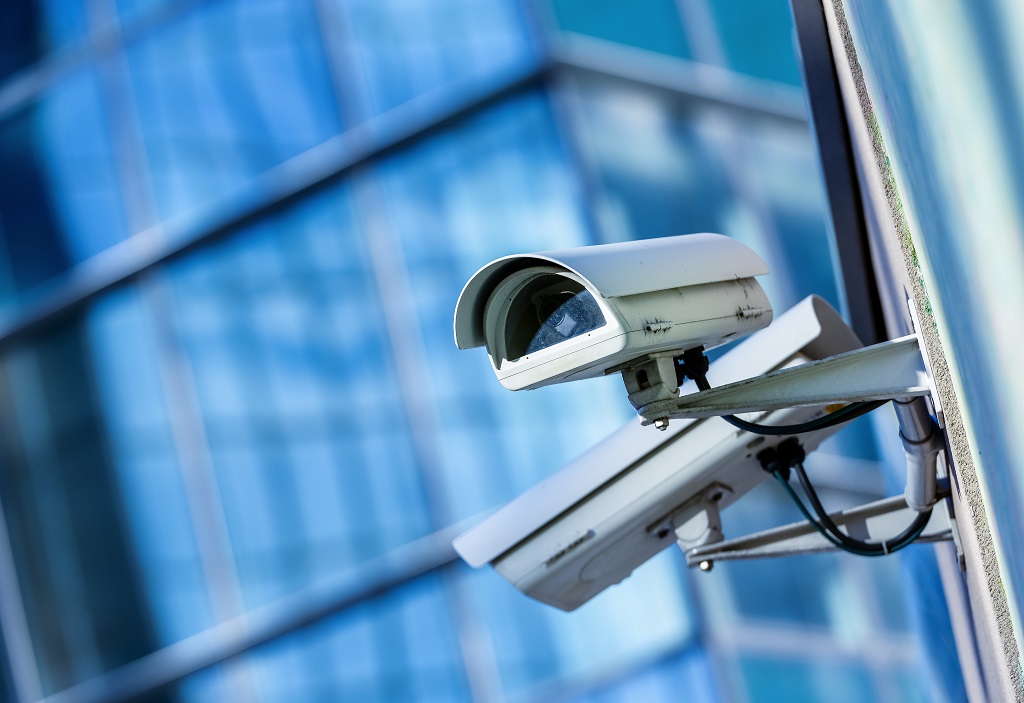
Setting up your security camera for remote viewing on a smartphone has never been easier, offering unparalleled convenience and control. By following structured steps, you can connect IP cameras to your phone, enabling seamless camera remote access. This section covers how to install the necessary app and secure the connection for efficient remote viewing. Understanding the proper settings and configurations will ensure you can always access your security feeds, no matter where you are, turning your smartphone into a powerful tool for security surveillance.
To start viewing your security cameras remotely, the first step involves installing a reliable camera app on your smartphone. This app will be your primary interface, allowing you to view live footage and manage camera settings. Begin by selecting an app compatible with your security camera brand, as manufacturers often provide dedicated apps ensuring optimal performance. Download the app, and once installed, open it to initiate the setup process. The initial setup will usually involve connecting IP cameras by entering the IP address of each camera into the app. Make sure your cameras are connected to the same internet network to facilitate seamless setup. The app might offer a demo mode for you to familiarize yourself with its features before proceeding with full configuration. Once familiar, follow the on-screen instructions to configure your security cameras. This often involves setting up the WiFi connection, which is crucial for wireless remote access. Ensure your WiFi settings are correct and stable to avoid connectivity issues. During this process, you’ll also set up view modes for different scenarios, whether indoor or outdoor monitoring. Next, configure alerts and notifications within the app. These settings allow you to receive real-time alerts on your phone about any unauthorized activities, even when you’re not actively monitoring the camera. Adjusting these settings is crucial for maximizing the app’s efficiency, ensuring you only get notified about significant events. Remember to set a strong password for app access to protect camera feeds from unauthorized access. Always update the app to its latest version for improved security features. Additionally, some apps offer integration with smart home devices, providing even further control and automation over your security system. Engage with these settings if available, as they can enhance your surveillance capabilities. By the end of this installation and configuration process, your smartphone will be effectively transformed into a real-time surveillance hub, offering peace of mind no matter where you are.
For effective remote viewing, securing your camera connection against unauthorized access is imperative. Begin by ensuring your IP cameras are connected to a private, encrypted network. Utilizing a secure internet connection, preferably one with a VPN, will add a layer of protection for your security feed. Set your router to use the WPA3 encryption standard, as it offers superior security for wireless connections. If your router doesn’t yet support this, ensure WPA2 is enabled as a minimum security measure. Another critical step involves configuring static IP addresses for your security cameras. Unlike dynamic IPs, static IP addresses don’t change, reducing the chance of interruption in your remote views. This setup can usually be done via the router’s settings page, under the DHCP server options. Similarly, set strong, unique passwords for both the router and the camera’s admin panel, further mitigating unauthorized access risks. Employ Port Forwarding on your router to direct traffic from outside your internet network straight to your security cameras. This is essential for accessing your camera feeds remotely. Properly configuring port forwarding involves selecting which ports will be open to exposure from the internet and matching them with each camera’s specific communication ports. Consult your camera’s manual or manufacturer support for recommended port numbers and settings. To bolster security, consider using a secure Dynamic Domain Name System (DDNS) service which masks static IP addresses. This service replaces possibly exposed IPs with dynamic domain names, providing an additional anonymity layer. Implementing DDNS is particularly beneficial for those who manage multiple camera sites, requiring centralized access without divulging sensitive network details. For added security, employ dual authentication mechanisms where available; secure access to your camera feed by requiring both a password and a secondary verification step like a one-time passcode. Moreover, setting up alert systems will help monitor login attempts, flagging any suspicious activities in real time. Staying updated with software and firmware updates for both cameras and routers is also a vital practice, ensuring your equipment is patched with the latest security fixes. These comprehensive security measures not only protect your privacy but also ensure you can reliably use your camera remote viewing features with confidence. By implementing these best practices, your security system will remain robust and efficient, granting you access each time you need to check in remotely during business or leisure.
Exploring CCTV Cameras for Business Security
Understanding the right type of CCTV cameras can significantly enhance your business’s security strategy. With advancements in camera and internet technology, businesses have access to diverse options tailored to their specific security needs. Investing in a reliable system ensures comprehensive coverage, helping protect assets and employees alike. This section will guide you in selecting suitable CCTV cameras and integrating this technology with modern internet solutions for seamless security.
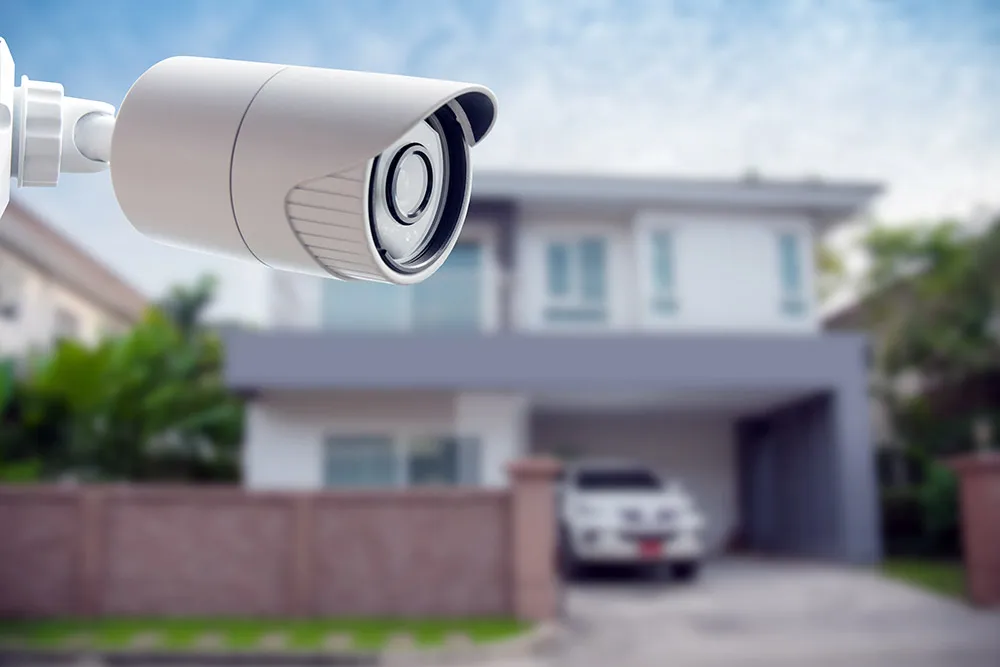
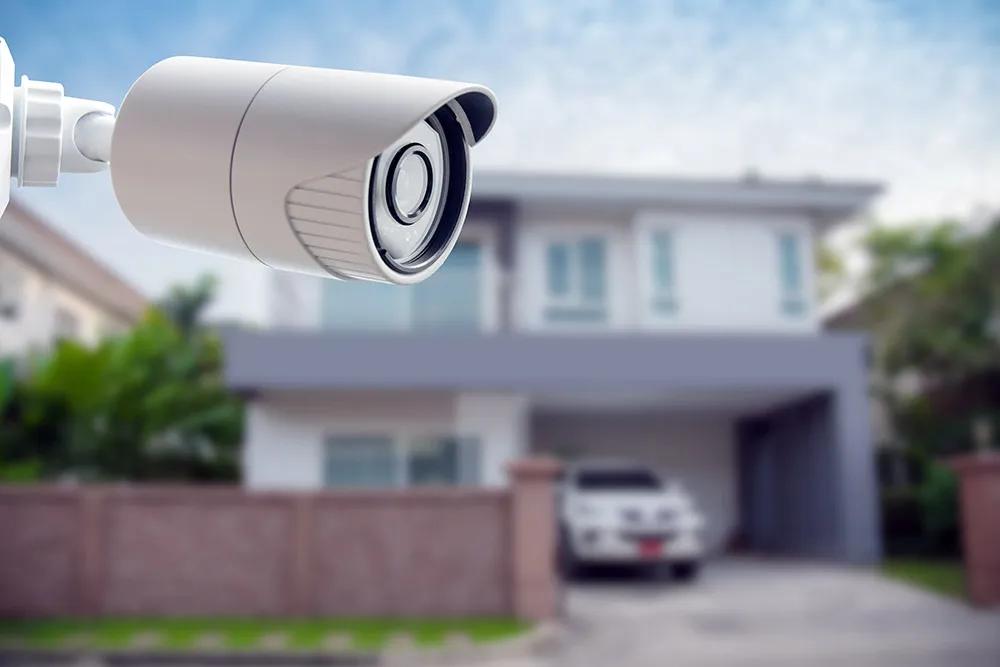
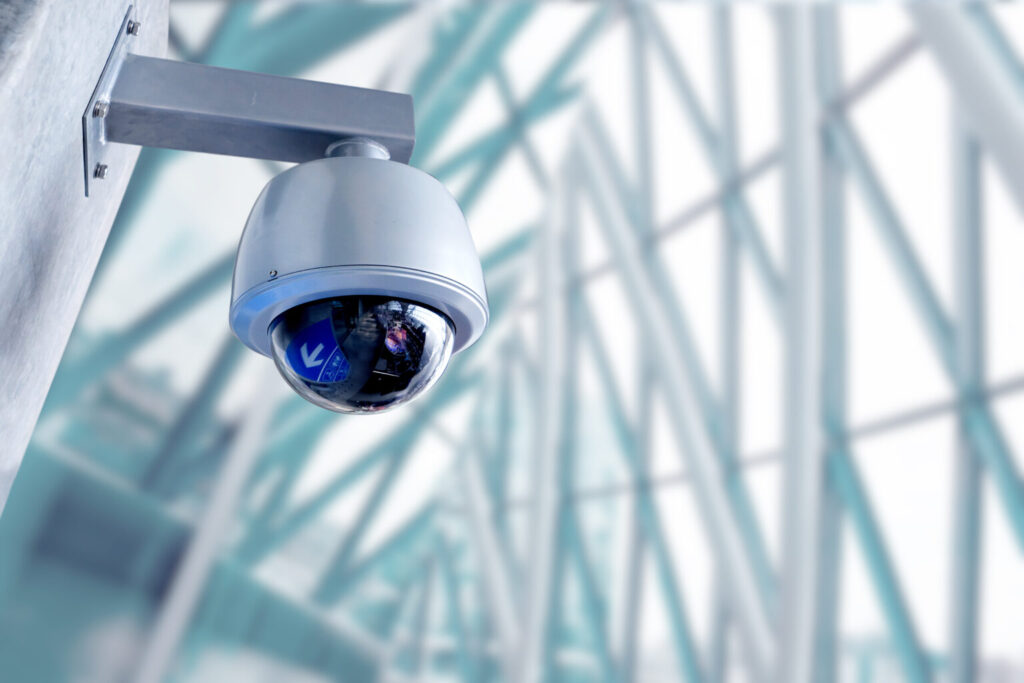
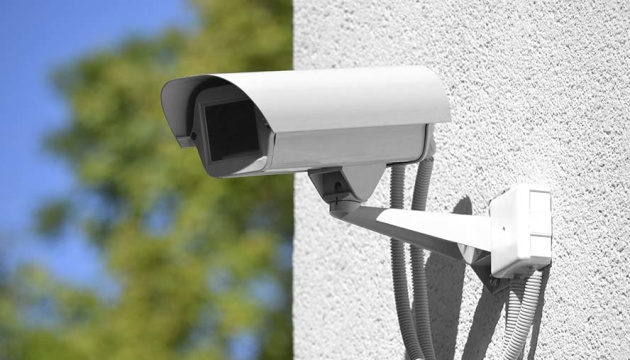
Choosing the right CCTV cameras is a critical decision for any business owner looking to boost security. The first consideration involves assessing the area to be monitored. Cameras designed for outdoor use, such as bullet cameras, are built to withstand harsh weather and offer long-range viewing capabilities. On the other hand, dome cameras are ideal for indoor environments, providing a wide field of vision and discretion due to their compact design. For those requiring advanced features, PTZ (pan-tilt-zoom) cameras offer versatility by allowing the user to control the camera’s viewing angle remotely, providing real-time adaptability to changing situations.
The resolution and quality of a CCTV camera are also paramount. High-definition cameras deliver clear and detailed images, essential for identifying intruders or reviewing incidents. Opt for cameras with night vision capabilities to ensure surveillance continuity even in low-light conditions. Additionally, consider a camera with a high dynamic range (HDR) if your business deals with complex lighting environments, such as entrances with both indoor and outdoor lighting.
Storage is another factor not to be overlooked. The choice between Network Video Recorders (NVR) and Digital Video Recorders (DVR) plays an integral role in how footage is recorded. NVR systems work seamlessly with IP cameras and typically offer better quality and scalability. Conversely, DVR systems function with analog cameras, making them a cost-effective solution for those upgrading an existing security setup. Ensure your chosen system supports enough storage to house necessary footage and features cloud storage compatibility for added security.
Consider the ease of integrating these cameras with internet and wireless networks. A camera system that supports WiFi connectivity can simplify installation by eliminating extensive cabling, although it’s crucial the network is secure. Selecting cameras compatible with smartphone applications allows business owners the flexibility to view live footage conveniently from anywhere, enhancing situational awareness and response time. Remember, a well-informed choice of CCTV cameras tailored to your specific business needs elevates security and offers peace of mind.
Integrating CCTV cameras with internet technology transforms static surveillance systems into dynamic, remotely accessible networks. This allows business owners to have constant connectivity with their premises, enhancing both real-time monitoring capabilities and the overall security framework. To achieve seamless integration, start with selecting cameras that are internet-ready and support IP technology. These cameras send and receive data over the internet, allowing smooth connection to remote devices.
A robust internet connection is fundamental for the effective operation of internet-based CCTV systems. For businesses aiming for comprehensive coverage, a high-speed broadband connection is advisable. This ensures that live feeds are transmitted smoothly without lags, maintaining surveillance quality throughout. Furthermore, modern routers that support high-bandwidth activities are essential. Consider leveraging the latest dual-band routers that offer both 2.4GHz and 5GHz frequency bands to improve connection stability and minimize latency issues.
For secure integration, pay attention to network security. Ensure the network used by the CCTV cameras is secured with the latest encryption standards, such as WPA3, to protect against unauthorized access. Additionally, implementing a Virtual Private Network (VPN) further secures communications between your CCTV system and remote devices, adding an extra layer of protection against cyber threats.
Automation and smart technology integration are rapidly enhancing the capabilities of internet-connected CCTV cameras. With Artificial Intelligence (AI), these cameras can now intelligently detect unusual patterns, alerting business owners to potential security breaches instantly. This proactive detection is invaluable for high-risk sectors, providing timely interventions before incidents escalate. Moreover, smart integrations allow synchronization with other smart home or business devices, enabling an automated and more responsive security environment.
CCTV cameras integrated with the internet enable a more interactive security experience. Tailored settings like motion detection, alerts, and notifications can be configured according to business needs. Owners can set up real-time alerts for various scenarios, such as after-hours motion detection or entrance monitoring, facilitating immediate action when anomalies occur. This proactive security stance ensures that businesses are not just protected but are responsive to any potential threat, thereby safeguarding their operations effectively.
Leveraging the internet for CCTV systems provides business owners peace of mind through consistent and reliable monitoring, reinforcing the security protocols necessary for today’s dynamic business environment. By embracing modern internet technologies, the boundaries of traditional video surveillance are expanded, enabling better control and security insight.
Troubleshooting Remote Camera Access Issues
Remote access to security cameras transforms traditional surveillance into a modern, flexible solution for monitoring property. However, the convenience of remote viewing can sometimes be hindered by technical challenges. Understanding common issues and security measures can greatly improve remote viewing reliability and effectiveness. Explore common problems with IP and WiFi settings and discover security enhancements to ensure seamless home surveillance.
| Issue | Cause | Solution | Security Enhancement |
| Camera Not Responding | Network Disconnection | Check Router & Reconnect | Use a VPN for Secure Connection |
| Unauthorized Access | Weak Passwords | Update Passwords | Implement 2-Factor Authentication |
| Video Lagging | Insufficient Bandwidth | Limit Network Traffic | Monitor Network Usage Regularly |
| Firmware Glitches | Outdated Software | Update Firmware | Schedule Regular Firmware Audits |
Effective remote viewing of security cameras often encounters a range of technical issues. One of the most frequent problems involves incorrect IP address configuration. Security cameras require unique IP addresses to function seamlessly over a network. When IP addresses conflict or change due to dynamic IP settings, remote feeds may fail. It’s vital to set static IP addresses through your router’s settings, ensuring each camera maintains a consistent network identity, reducing access disruptions. Additionally, ensuring your cameras are part of a secure WiFi network is crucial. Cameras often lose connectivity if placed too far from the WiFi router or if the network signal is weak. Situating cameras within a strong WiFi range and using range extenders can dramatically improve stability.
Another common issue arises from incorrect camera settings. It’s essential to thoroughly review your camera’s configuration options for any anomalies that might hinder remote access. Settings like video bitrate and stream quality might need adjustment based on your internet bandwidth. Opting for lower resolution streams can help maintain smooth viewing if bandwidth is constrained. Additionally, ensure the correct ports are opened in your router settings to facilitate remote viewing. This involves configuring port forwarding settings to match the ports used by your camera models, allowing smoother access from outside your local network. For devices using Network Video Recorders (NVR), a deeper dive into router settings can sometimes be necessary to streamline data traffic.
Occasionally, security concerns lead to disabled remote access for safety reasons. Always update your camera firmware to the latest version. Manufacturers typically release updates that enhance security or patch potential vulnerabilities. Set reminders to regularly check for these updates, ensuring your security setup remains robust. Security cameras are core to your home’s safety infrastructure; therefore, making sure your router uses the latest encryption protocols like WPA3 is also beneficial. This not only protects your data but also prevents unauthorized remote viewing attempts, thus maintaining the integrity of your security system. If issues persist, consulting your camera’s technical support can provide additional troubleshooting steps tailored to specific camera models.
Protecting your security camera feeds using advanced security measures is crucial as threats evolve. One key aspect is the configuration of your internet settings to prevent unauthorized access. Utilizing a virtual private network (VPN) not only conceals your IP address but also encrypts data sent over the internet, adding a robust security layer against cyber threats. This is particularly vital for home setups where multiple devices share a network. Consider employing a secure Dynamic Domain Name System (DDNS) service to manage your internet-based camera’s address easily. This masks static IP addresses, providing both easy-to-remember names for access and added anonymity, crucial for multi-site home surveillance setups.
Effective network security begins with choosing the appropriate router settings. Update router firmware regularly to fix vulnerabilities that might be exploited by hackers. Configuring dual-factor authentication adds an extra layer of protection, requiring not just passwords, but also secondary verification methods like one-time codes delivered to phones. This advanced precaution deters unauthorized viewing of your security cameras remotely. Ensure that your router is configured to block unsolicited inbound traffic, shielding sensitive camera feeds from potential intruders.
An often overlooked yet critical feature involves setting up regular alerts for attempted logins. Many camera systems now offer comprehensive logs showing who attempted to access your cameras and when. This transparency is useful to watch for unauthorized attempts. Regularly monitoring these logs can reveal patterns and help tighten security measures. Configure alerts to notify you instantly about unauthorized attempts on connected devices, providing a proactive approach to home security.
Regular software updates are paramount. They not only provide new features but secure your camera remote system against emerging threats. Many manufacturers offer automation for updates, ensuring your security devices are always protected. Lastly, consider implementing IoT security solutions that offer broader protection across all internet-connected devices. These solutions scan and secure devices, preventing the entire network from being exposed through any single point of vulnerability. This comprehensive approach not only aids in securing camera systems but also reinforces the security of the broader home network you rely on. By integrating these advanced security measures, your security camera system will efficiently safeguard your home, giving you peace of mind.
To enhance and secure your home network further, consider implementing a few more essential practices:
- Regularly change your passwords to prevent unauthorized access.
- Disable remote viewing if not required for your use case.
- Use strong, complex passwords combining letters, numbers, and symbols.
- Restrict device administrator access to trusted individuals only.
- Create a separate Wi-Fi network for smart devices.
- Turn off Universal Plug and Play (UPnP) when not needed.
- Configure and schedule regular security system audits.
- Limit the use of public Wi-Fi when accessing your systems remotely.
These steps contribute to a more resilient defense against emerging cyber threats.
With the ability to check in on your property from virtually anywhere, remote security camera viewing offers unparalleled peace of mind. Whether you’re managing several business locations or simply ensuring the safety of your office, accessing real-time video from your phone is a game-changer. It empowers you to respond swiftly to any situation, ensuring a protected environment for both employees and assets. To enhance your security strategy further, consider integrating remote viewing into your existing systems and discover the convenience and assurance it brings. Explore our range of compatible security cameras to elevate your surveillance capabilities.